
 Image 1 of 4
 Image 2 of 4
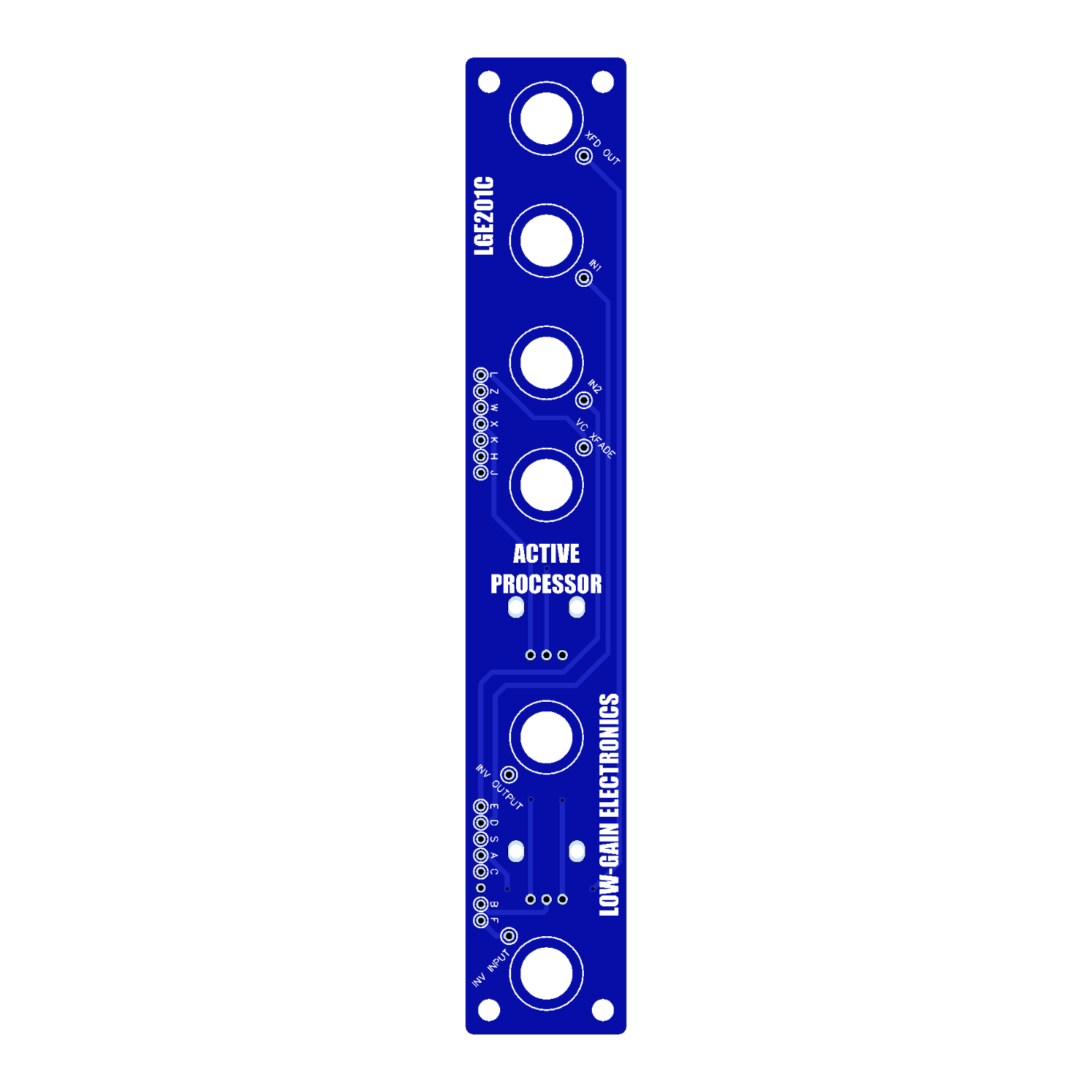 Image 3 of 4
 Image 4 of 4
ACTIVE PROCESSOR (ACPR)
The ACTIVE PROCESSOR (ACPR) is a precision-designed linear crossfader for both control voltages and audio signals, offering smooth, dynamic transitions within complex modular synth patches.
As described in the original SMMS Catalog: “The ACTIVE PROCESSOR (ACPR) is an accurate, linear cross-fader for either control voltages or audio signals. This module provides an important link in complex patches, allowing the user to smoothly change from one control voltage to another.”
Whether you're crossfading between envelopes or routing different sequencer outputs to modulate a bank of oscillators, the ACPR provides seamless control. A built-in scaling buffer in the lower section allows for further voltage inversion and processing, adding even more flexibility to your signal path.
** 4U Modular is a term used for the format most commonly known as “Serge Format” or “Loudest Warning Format”. Out of respect for the ever growing format, 4U Modular is the easiest way to refer to it. More Specifically it refers to the panel height and mounting hole style. 4U Modular will patch up just fine with other 4U "Serge" formats such as "Random Source", but it will not mount in RS boats or Buchla Boats (or power off Buchla power for that matter). An info page about this will be added to the website soon to make this a lot more easy to understand.
DIY Information:
LGE201 Main PCB Bill of Materials
LGE201 Main PCB Schematic
LGE201 Main PCB Designators
LGE201C I/O PCB Bill of Materials
LGE201C I/O PCB Schematic
Mechanical Parts BOM generally required for building Low-Gain Electronics Modules
LGE201 Active Processor / LGE201P Pan/Fade – Calibration Procedure
The LGE201 Active Processor (or LGE201P Pan/Fade) is built around two OTA-based VCAs (CA3280). Each VCA has multiple trimmers for calibration.
TR1 – Output Offset (VCA 1)
TR2 – Output Offset (VCA 2)
TR3 – Linearization Bias / Offset (CA3280)
TR4 – VC Gain (VCA 2)
TR5 – VC Gain (VCA 1)
1. Output Offset Calibration
Leave all inputs unpatched.
Set the X-Fade control fully CCW (Input 1).
Measure the output with a voltmeter or oscilloscope.
Adjust TR1 until the output reads as close to 0 V as possible.
Alternate method (no meter/scope): Patch the output to a VCO’s 1V/Oct input. Adjust TR1 so that plugging/unplugging the Active Processor output produces no pitch shift.
Repeat the above steps for VCA 2 by turning the X-Fade fully CW (Input 2) and adjusting TR2.
2. Linearization Calibration
Keep all inputs unpatched.
Measure the output offset again.
Adjust TR3 for as close to 0 V at the output as possible.
Recheck and fine-tune TR1 and TR2 if needed.
Note: This trimmer sets the CA3280’s linearization bias. For deeper technical detail, see the CA3280 datasheet.
3. VCA Gain Calibration
Patch a 1 kHz sine wave into Input 1.
Set X-Fade fully CCW (Input 1).
Measure the output with an oscilloscope.
Adjust TR5 so the output amplitude matches the input amplitude.
Example: If the input is ±5 V, adjust until the output is also ±5 V.
Repeat for VCA 2:
Move the test signal to Input 2.
Set X-Fade fully CW (Input 2).
Adjust TR4 until the output matches the input.
Notes on Operation
When the manual X-Fade control is fully CW (VCA 2), applying CV to the X-Fade CV input will boost VCA 2’s signal. This happens because both the manual bias and CV are summed at VCA 2’s control input.
To achieve equal levels when mixing two signals of the same range:
Set X-Fade control fully CCW.
Turn the X-Fade CV attenuator fully CW.
✅ Calibration complete – your LGE201 Active Processor should now operate with balanced offsets and gains.
Details:
PCB Size: 6” x 1”
Current Draw: TBD